Chasing Clock: How Print Speed Obsession Is Quietly Draining Your Bottom Line
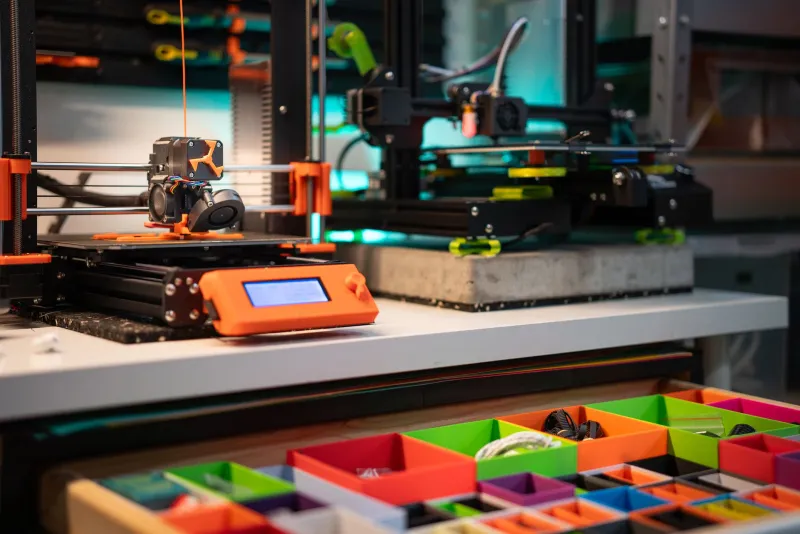
There's a certain thrill to watching a print head move at 200mm/s. It feels productive. It feels like you're running a tight operation. But if you've been chasing speed settings without running the numbers, there's a decent chance your printer is burning through more money than it's making — and you might not even know it.
This is the speed trap. And a surprising number of American makers have fallen right into it.
The Allure of Fast Prints (And Why It Makes Sense at First)
When you're running a small shop or a side hustle that's trying to graduate into something real, time genuinely is money. A part that prints in three hours instead of six means you can theoretically double your output. On paper, that math is impossible to argue with.
The problem is that print speed doesn't exist in a vacuum. It interacts with layer adhesion, cooling rates, material flow, and dimensional accuracy in ways that can compound costs faster than the time savings stack up. And most makers aren't tracking those downstream effects closely enough to notice the bleed.
Talk to anyone running a production shop — even a modest one doing 20 to 50 parts a week — and you'll hear some version of the same story. They pushed speeds up, output looked great for a while, then failure rates crept up, clients started noticing surface quality issues, and suddenly they were spending Friday evenings reprinting Thursday's jobs.
What the Failure Rate Data Actually Shows
Let's get into some numbers. Industry-level data from production environments suggests that pushing FDM print speeds beyond the material manufacturer's recommended range — typically somewhere between 40mm/s and 80mm/s depending on material — can increase failure rates by anywhere from 15% to over 40%, depending on part geometry and infill complexity.
For a shop printing 30 parts a week at an average material cost of $4.50 per part, a 25% failure rate means roughly $33 in raw material waste every single week. That's $1,700 a year just in filament that went straight to the scrap bin. Add in the machine time for those reprints — which is often invisible because makers don't bill themselves for it — and that number climbs sharply.
One production shop in the Midwest running custom enclosure parts for industrial clients found that dialing their average print speed back from 90mm/s to 65mm/s reduced their weekly reprint volume by nearly a third. The parts took longer to produce per unit, but their actual weekly output of shippable parts went up. That's the counterintuitive math that the speed trap obscures.
Calculating Your True Cost-Per-Part
If you're not already doing this, now is the time to start tracking cost-per-part properly. Here's a straightforward framework:
Material cost — This one's obvious. Filament or resin used per part, including purge and support material that gets discarded.
Machine time cost — Divide your printer's purchase price by its expected lifespan in hours. Add electricity cost. That's your per-hour machine rate. Multiply by print time.
Failure rate adjustment — If 1 in 5 parts fails, you need to factor in the cost of that failed part across every successful one. A 20% failure rate means each "good" part actually costs 25% more than a single print would suggest.
Post-processing labor — Support removal, sanding, priming, assembly. If you're doing it yourself, assign an honest hourly rate. If you're paying someone, this is already on your books.
Rework and reprint labor — The time you spend diagnosing failures, adjusting settings, and running reprints. This is the most chronically undertracked cost in small-shop 3D printing.
When you run this math honestly, many makers discover their effective cost-per-part is 30% to 60% higher than their material-only estimate. That's not a rounding error — that's a pricing and profitability problem.
The Sweet Spot Isn't Slow — It's Calibrated
None of this is an argument for printing everything at 30mm/s. The goal isn't to go slow. The goal is to find the fastest speed at which your specific printer, printing your specific material, on your specific part geometry, consistently produces shippable parts.
That number is different for every setup, and it takes deliberate testing to find. A structured approach looks something like this:
- Run a test matrix with your most common materials at three speed settings: your current setting, 20% slower, and 20% faster.
- Print the same reference geometry at each speed — something that represents your typical job complexity.
- Score each result on dimensional accuracy, surface finish, and layer adhesion (a simple bend or snap test works for the latter).
- Calculate the cost-per-part at each speed using the framework above, including an estimated failure rate based on your test results.
Most makers who do this exercise find their current "fast" setting sits in a zone where they're paying a failure-rate penalty that erases the time savings. The optimal setting is usually somewhere they hadn't considered.
What Production Shops Do Differently
Shops that have scaled past the hobby stage tend to treat print speed as a per-material, per-geometry variable rather than a global setting. They maintain speed profiles for each material they run and adjust based on part complexity. They also tend to do something most hobbyists skip entirely: they track failure rates formally, even if it's just a simple spreadsheet.
That data creates accountability. When you know that your PETG enclosure prints have an 8% failure rate at your current settings, you have a concrete reason to investigate. When you don't track it, the cost just quietly accumulates.
Some shops have also found value in running a dedicated calibration printer — a lower-cost machine used exclusively for dialing in new materials and speed profiles before committing production runs to their primary equipment. The upfront investment pays back quickly in reduced waste on revenue-generating jobs.
Slow Down to Speed Up
The irony of the speed trap is that the makers who obsess least over raw print speed often have the highest throughput. They've done the math, found their calibrated sweet spot, and built reliable processes around it. Their machines run fewer reprints, their parts need less post-processing, and their clients get consistent quality.
That's not a slow operation. That's a smart one.
If you haven't run the real cost-per-part numbers on your current setup, this week is a good time to start. You might be surprised what you find hiding behind that fast print setting.