FDM, Resin, or SLA: How to Pick the Right 3D Printing Technology Before You Spend a Dime
Walk into any maker forum, subreddit, or Facebook group and ask which 3D printer to buy. You'll get seventeen different answers, six arguments about brand loyalty, and at least one person telling you that whatever you're considering is garbage. Not super helpful.
The real question isn't which printer is best. It's which technology fits your situation. FDM, resin (MSLA), and SLA each do different things well, and choosing wrong means fighting your equipment every single time you try to make something.
Let's cut through the noise.
The Three Technologies, Actually Explained
FDM (Fused Deposition Modeling)
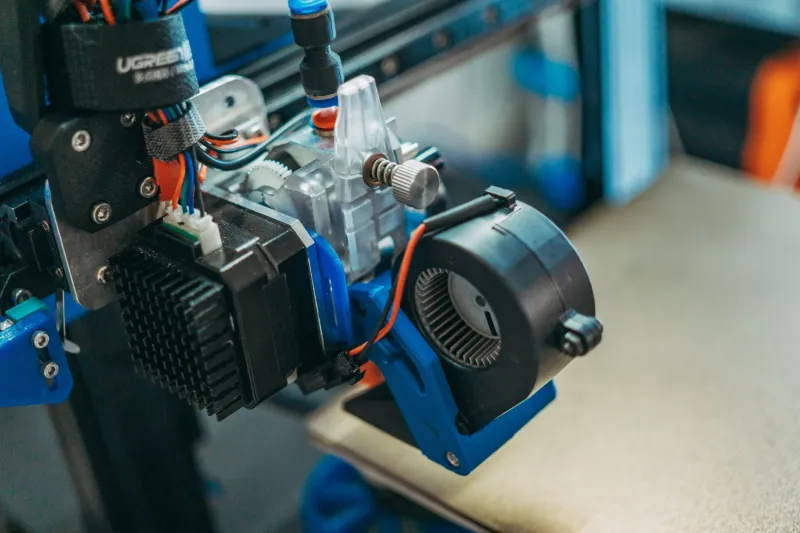
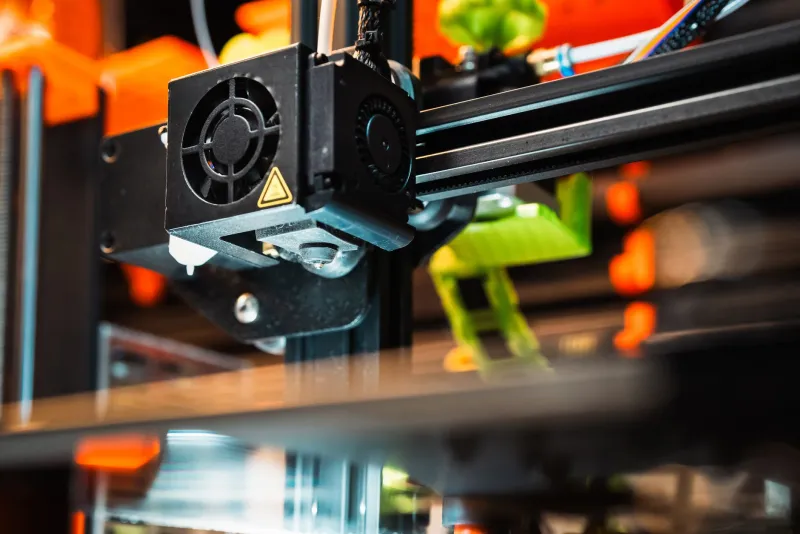
FDM printers work by melting plastic filament and depositing it layer by layer. It's the most common type of desktop 3D printer in the US, and for good reason—it's versatile, relatively forgiving, and the materials are cheap and widely available.
Think of it like a very precise hot glue gun on a robotic arm. The results have visible layer lines at normal print settings, but for functional parts, prototypes, and large-format work, FDM is often the obvious choice.
Best for: Large prints, functional/mechanical parts, beginners on a budget, makers who need a range of materials.
Popular machines: Bambu Lab P1S, Prusa MK4, Creality Ender 3 V3.
MSLA Resin (Masked Stereolithography)
Resin printers use a UV-masked LCD screen to cure liquid photopolymer resin layer by layer. The result is dramatically higher detail than FDM—we're talking surface finishes that look nearly injection-molded at the right settings.
The trade-off is handling. Liquid resin is a chemical that requires gloves, ventilation, and a wash-and-cure station. It's not difficult, but it adds steps and costs. Resin prints are also typically smaller, more brittle, and more expensive per gram than filament.
Best for: Miniatures, jewelry, dental models, detailed figurines, small-scale prototypes where surface quality matters.
Popular machines: Elegoo Saturn 4 Ultra, Anycubic Photon Mono M5s.
SLA (Stereolithography)
SLA is the original 3D printing technology, using a laser to cure resin in a vat. Desktop SLA machines like the Formlabs Form series produce exceptional accuracy and surface quality, often rivaling professional outputs.
The catch is cost. Entry-level SLA systems start around $3,500 and climb fast. For most hobbyists and small shops, MSLA resin delivers 80–90% of the quality at a fraction of the price. SLA makes sense when you need certified engineering resins, tight tolerances, or are working in a professional dental, medical, or industrial prototyping context.
Best for: Professional prototyping, engineering applications, dental/medical models, users who need validated materials.
Popular machines: Formlabs Form 4, Phrozen Sonic Mega 8K (bridges the gap toward prosumer).
The Decision Tree: Start Here
Rather than comparing spec sheets, answer these questions in order. Each answer will narrow your path.
Step 1: What are you actually making?
- Functional parts, brackets, enclosures, tools, large models → Go FDM. Period.
- Miniatures, jewelry, dental, highly detailed small objects → Go resin (MSLA).
- Professional prototypes with tight tolerances, certified materials → Look at SLA.
- A mix of functional and detailed work → Consider FDM as your primary, add resin later.
Step 2: Where are you printing?
This one matters more than most guides admit.
- Garage, workshop, or dedicated maker space → Any technology works. Ventilation is easy.
- Apartment, spare bedroom, or shared living space → FDM wins by default. Resin fumes require real ventilation—a window fan isn't enough. Activated carbon filter enclosures help, but add cost and complexity.
- Basement workshop → Resin is viable if you can ventilate properly. Fumes are heavier than air and sink.
Step 3: What's your real budget?
Not just the printer price—the total budget.
| Technology | Printer | Consumables (Year 1) | Safety/Accessories | Real Year 1 Cost |
|---|---|---|---|---|
| FDM (entry) | $200–$400 | $100–$300 (filament) | $50–$100 | $350–$800 |
| FDM (mid-range) | $500–$900 | $150–$400 | $50–$100 | $700–$1,400 |
| MSLA Resin | $200–$500 | $150–$400 (resin) | $100–$200 (wash/cure, PPE) | $450–$1,100 |
| SLA Professional | $3,500+ | $500–$1,500 | $200–$400 | $4,200+ |
Step 4: How much time do you want to spend on post-processing?
- Minimal post-processing → FDM. Sand, prime, paint if you want. Or use it as-is.
- You're okay with a chemical workflow for better results → MSLA resin. Wash, cure, done.
- You need production-quality finishes and have the time/budget → SLA.
Real Project Examples to Make This Concrete
Scenario A: You're designing custom RC car parts. You need structural strength, moderate detail, and the ability to iterate quickly on large components. FDM wins here—PETG or ABS filament gives you toughness, and you can print replacement parts at nearly no cost per unit.
Scenario B: You paint Warhammer 40K miniatures and want to print your own. Detail is everything. Layer lines on FDM will show on a 28mm figure even with sanding. MSLA resin will give you crisp details that look store-bought. This is the resin use case in its purest form.
Scenario C: You're prototyping a consumer product for an investor pitch. You need it to look professional and fit together precisely. If budget allows, SLA gives you the surface finish and dimensional accuracy to impress. If budget is tight, MSLA resin with good post-processing can get surprisingly close.
Scenario D: You want to print replacement parts around the house. FDM, no question. Drawer pulls, cable organizers, appliance brackets—these don't need fine detail, but they need to be tough and cheap to produce.
The Honest Trade-Off Summary
FDM: Easy to learn, cheap to run, great for functional work. Not ideal when surface quality is critical.
MSLA Resin: Stunning detail, moderate cost, chemical workflow that demands respect. Not great for large prints or purely structural parts.
SLA: Professional-grade quality and material options. Genuinely overkill for most hobbyists and small shops unless you have a specific professional application.
Our Recommendation for Most First-Time Buyers
If you're on the fence, start with FDM. The learning curve is gentler, the materials are forgiving, and the range of things you can make is enormous. Once you've got the fundamentals down and you find yourself wanting detail that FDM can't deliver, add a resin printer as a second machine. That two-printer setup—a solid FDM workhorse and a small MSLA resin unit—covers about 95% of what makers need.
Don't let analysis paralysis keep you from starting. Pick the technology that fits your most common project type, buy a machine with good community support, and go make something.